
Scan it. Sign it. Send it.
Turn paper into a signed PDF in under a minute — no account, nothing leaves your phone.

Free to scan · Try Premium for free
How it works
Three steps, one app. Paper in, signed PDF out.
-
Step 1Scan
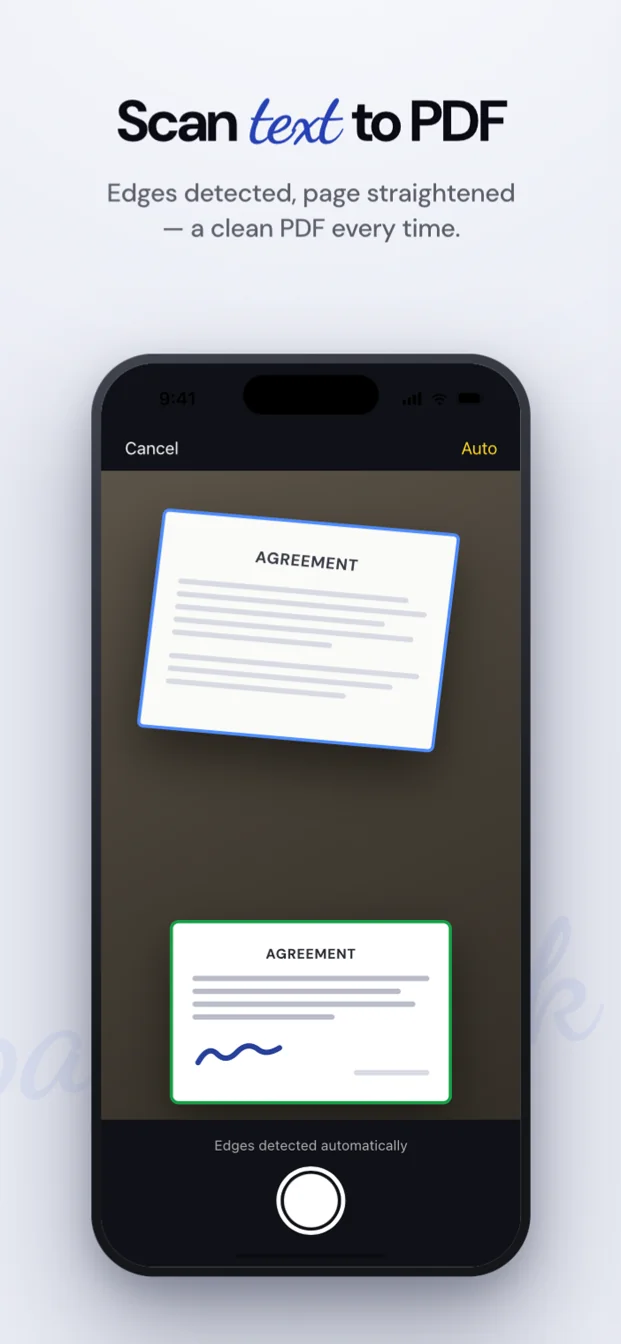
Point the camera at the page. Auto-capture finds the edges and takes the shot for you.
-
Step 2Sign
Draw with your finger, type your name or use a saved signature. Add a stamp, the date or your initials.
-
Step 3Send
Export a clean PDF and hand it to Mail, Messages or AirDrop through the share sheet.
See it in action
Real screens from the app, the same ones you will see on the App Store.
Everything between the paper and the PDF
A scanner and a signing tool in one app, with text recognition and translation built in.
-
Scanner
Auto-capture, edges found for you and clean filters: Auto, Grayscale, B&W or Original. Scan page after page into one PDF, up to 100 pages.
Reorder, rotate, crop or delete pages after a document is saved, or add pages from the camera, Photos or Files.
-
Signatures & stamps
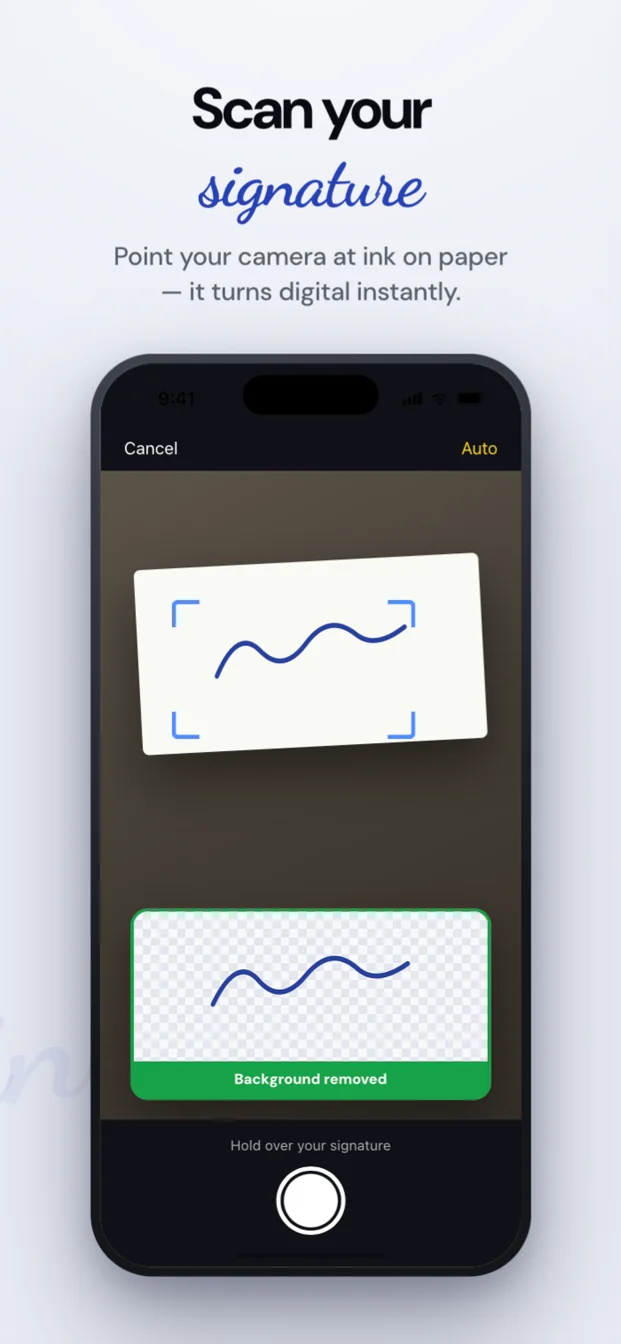
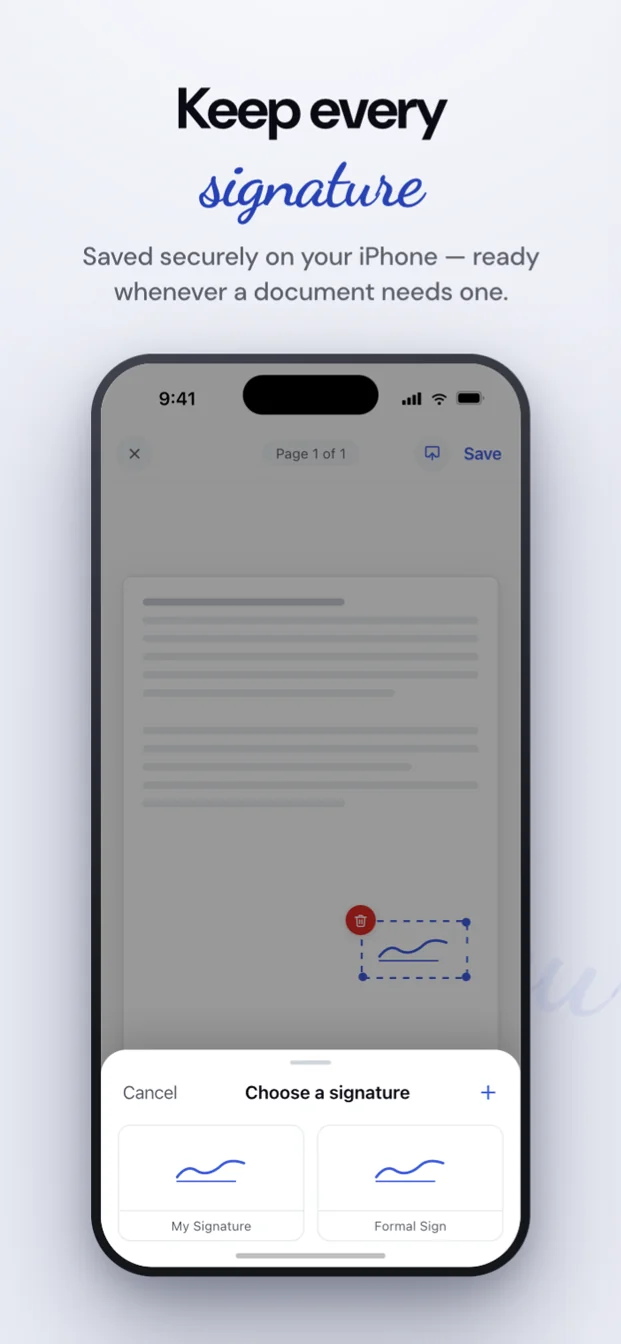
Draw with your finger, type your name or photograph your signature on paper; the background is removed automatically. Keep them in your library and reuse them on every document.
Photograph your company stamp or seal: the paper disappears, the ink colour stays.
-
Text
Turn a scan or a PDF into text you can copy or share. Text recognition runs on your device.
Translate the extracted text. The language pack downloads once; after that, translation works offline.
-
Share sheet
In Mail, Files, Safari or Photos, tap Share and choose “Sign with Scan & Sign”. The PDF or image opens in the app, ready to sign.
Export a clean PDF and send it with Mail, Messages, AirDrop or any other app.
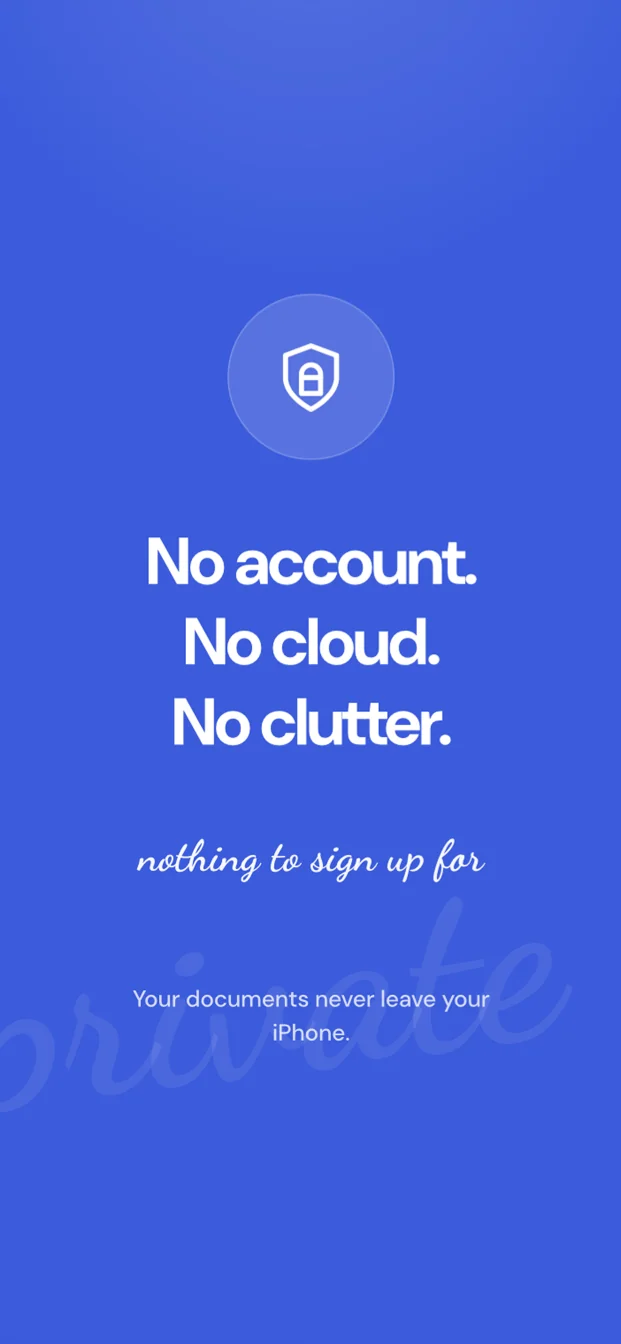
Your documents stay on your device.
Scan & Sign has no server to send your paperwork to. What you scan and sign is stored on your iPhone and goes only where you share it.
-
No accountNothing to sign up for. Open the app and start.
-
No cloudDocuments and signatures are stored only on your iPhone.
-
On-deviceText recognition and translation run on your phone, not on a server.
-
Password protectionProtect a PDF with a password.
-
Face ID lockLock the app with Face ID.
Free to start, Premium when you need more
Scanning is free with no limit. Premium unlocks unlimited signing, text extraction and translation.
Free
No account, no card.
- Unlimited scanning and page editing
- 3 signed documents
- 1 text extraction
Premium
Try it for free, cancel anytime in your App Store settings.
- Unlimited signed documents
- Unlimited text extraction
- Translation
Prices are shown in the app and on the App Store for your region.
Questions, answered
Is it free?
Scanning and page editing are free without limits. Your first 3 signed documents and your first text extraction are free too. After that, a Premium subscription unlocks unlimited signing, text extraction and translation, and you can try it for free first.
Do I need an account?
No. There is nothing to sign up for and no login. Open the app and start scanning.
Does it work offline?
Yes. Scanning, signing and text recognition run on your iPhone and need no connection. Translation downloads a language pack once; after that it works offline too.
Is a photo of my signature safe?
The photo is processed on your iPhone: the background is removed on the device and the signature is saved in the app's library. It is never uploaded anywhere. You can delete it from the library at any time.
Does it work on iPad?
Scan & Sign is built for iPhone. On an iPad it installs from the App Store and runs in the iPhone layout, not in a layout designed for the larger screen.
Sign the next document from your pocket.
Free to scan · Try Premium for free